
Getting started
Patrol helps managed-service teams stand up customer environments from reusable templates, deploy and track them, and continuously verify that what’s actually running in a customer’s cloud account matches what Patrol expects.
This guide covers the core setup flow: creating your organisation, configuring settings, and adding your first customer. From there, see Service Templates and Environments for the rest of the workflow.
1. Create your organisation
Section titled “1. Create your organisation”When you first sign in, Patrol walks you through a short onboarding flow:
- Your name — used across the app (assigned tasks, audit trails, etc.).
- Organisation — either:
- Create a new organisation — give it a name; Patrol generates a slug you can adjust. This becomes your tenant — all customers, templates, environments and cloud accounts live under it.
- Join an existing organisation — submit a join request using your organisation’s join code. You’ll land on a “pending” screen until an admin approves you.
- Invite your team (if you created the org) — optionally send invites right away. You can always do this later from Settings → People.
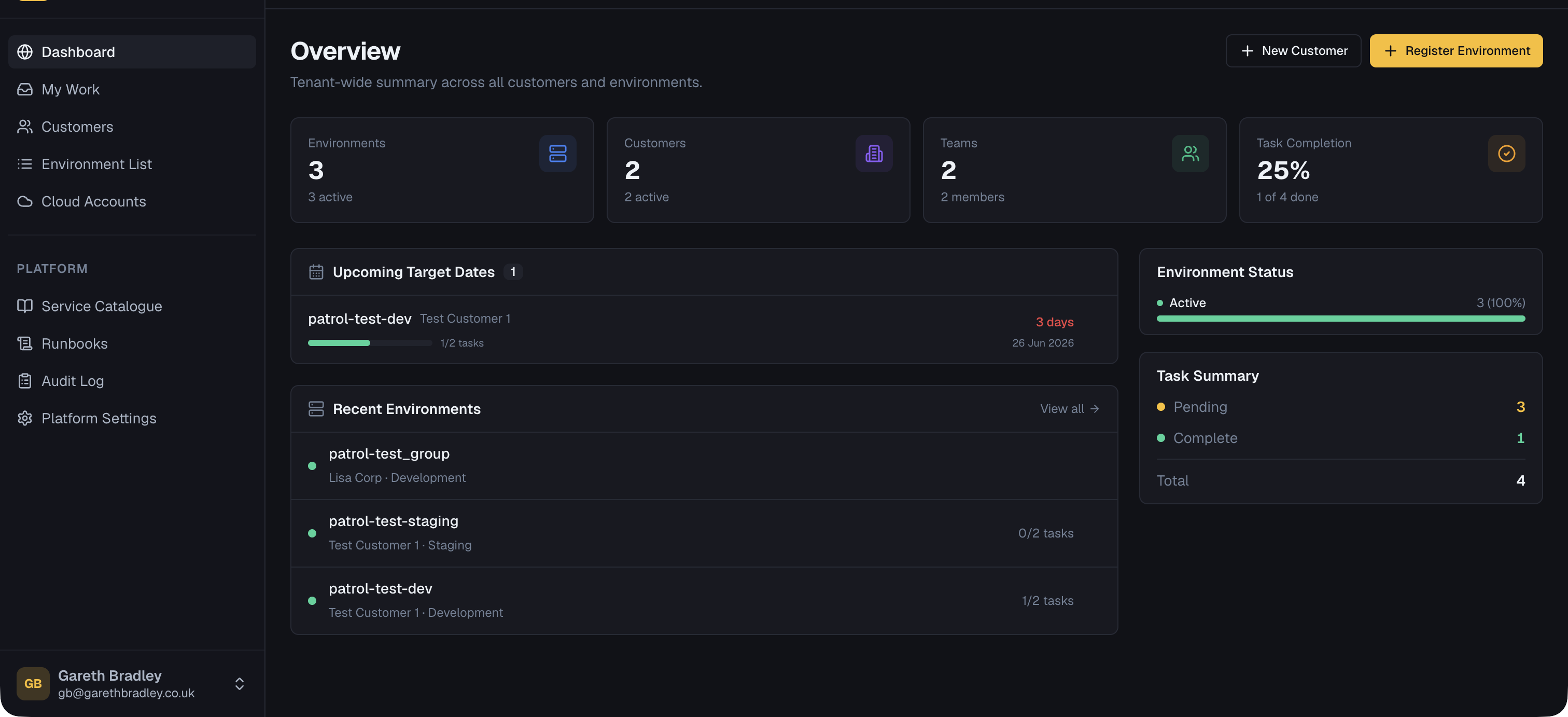
Once onboarding completes you’re dropped on the Dashboard.
2. Configure settings
Section titled “2. Configure settings”Before creating customers and templates, it’s worth setting up the building blocks in Settings:
- People / Teams — invite teammates, share your org’s join code, and group people into teams so QA tasks can be assigned to a team rather than an individual. See User Management.
- Hosting Providers — the cloud/hosting providers available across your tenant (AWS, GCP, Azure are built in; add custom providers if you support others). These show up in provider selectors throughout the app.
- Regions — the regions available per hosting provider, used when registering customers and environments.
- Board Columns — default Kanban columns for new environment QA boards.
- Secrets — store encrypted credentials (API keys, deploy tokens, cloud credentials) referenced by name from deployment configuration. See Secrets.
- GitHub — connect a GitHub account or organisation so Patrol can trigger GitHub Actions workflows and install deployment files without managing a personal access token. See GitHub Actions.
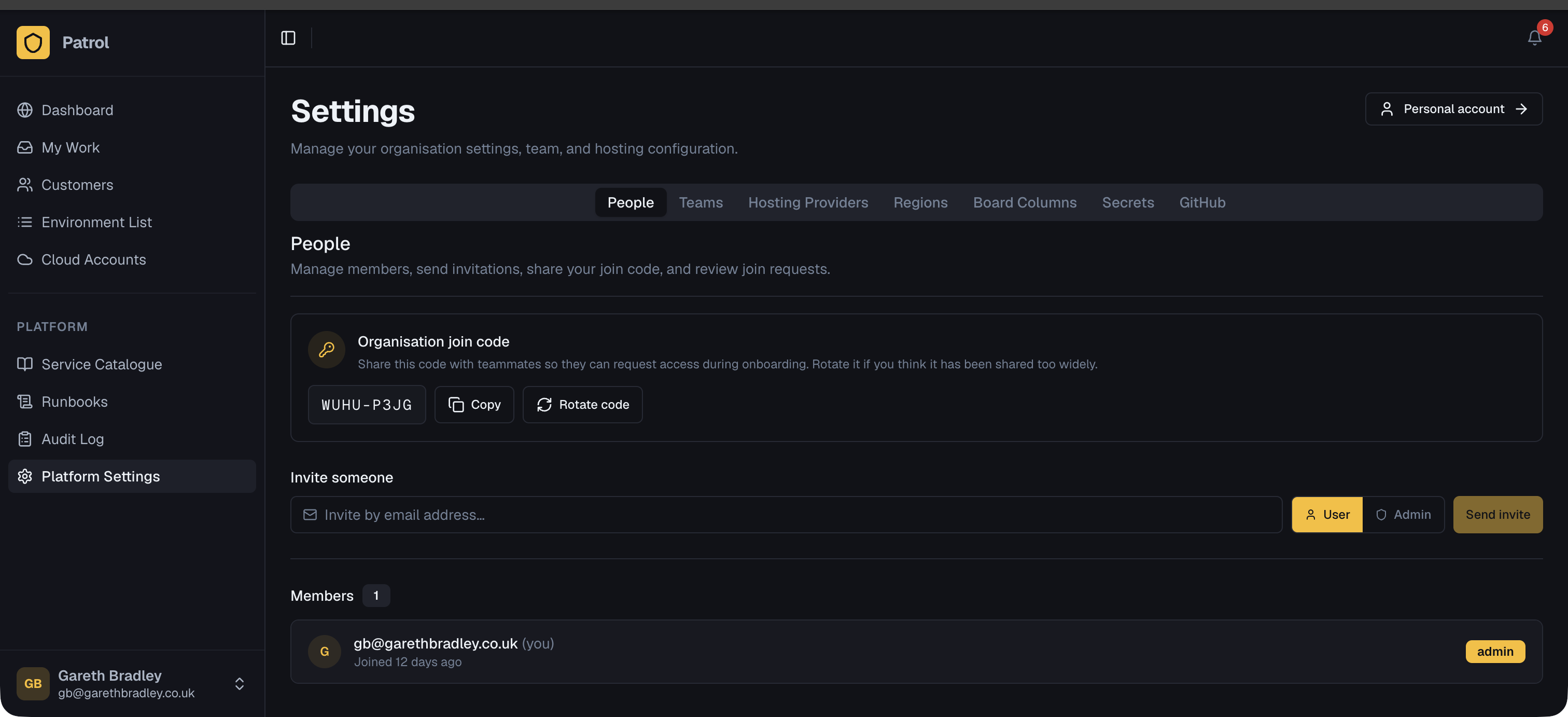
You don’t need to configure everything up front — most of this can be filled in as you go.
3. Add a customer
Section titled “3. Add a customer”Customers represent the organisations you provide managed services to. From Customers → Add Customer, fill in:
- Name and optional description
- Status — Active, Suspended, or Offboarding
- Support tier — Standard, Business, or Enterprise 24/7
- Primary cloud provider and region — informational defaults used when registering environments for this customer
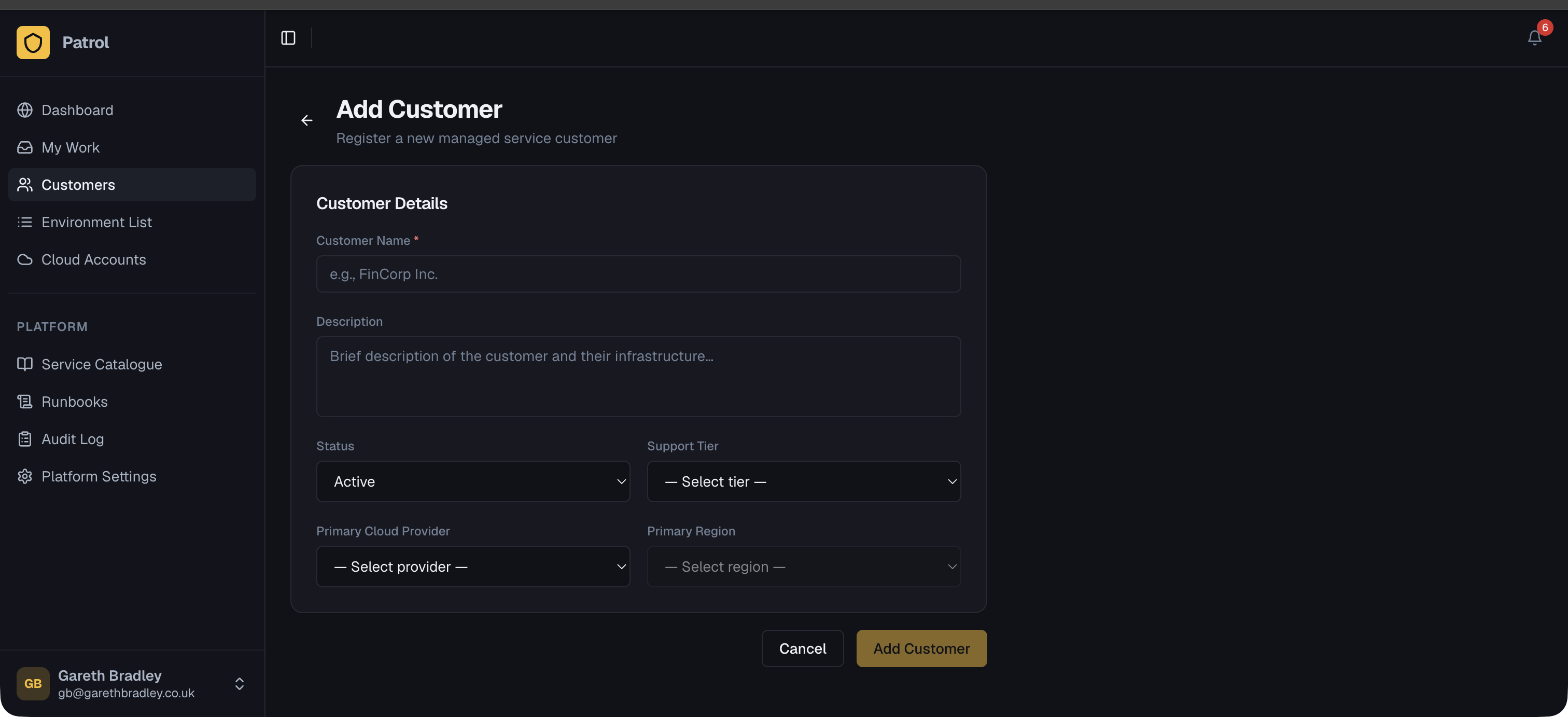
Each customer can have multiple environments, each potentially in a different cloud account or region.
Next steps
Section titled “Next steps”- Service Templates — build a reusable catalogue of infrastructure shapes
- Environments — register and deploy environments for a customer
- Cloud Accounts — set up inventory scanning for a customer’s cloud account