
Drift detection
Patrol’s drift model is “unexplained change”: every scan of a connected cloud account is diffed against an accepted baseline, and the result is either a reviewable change set or a flagged drift.
1. Adopt a baseline
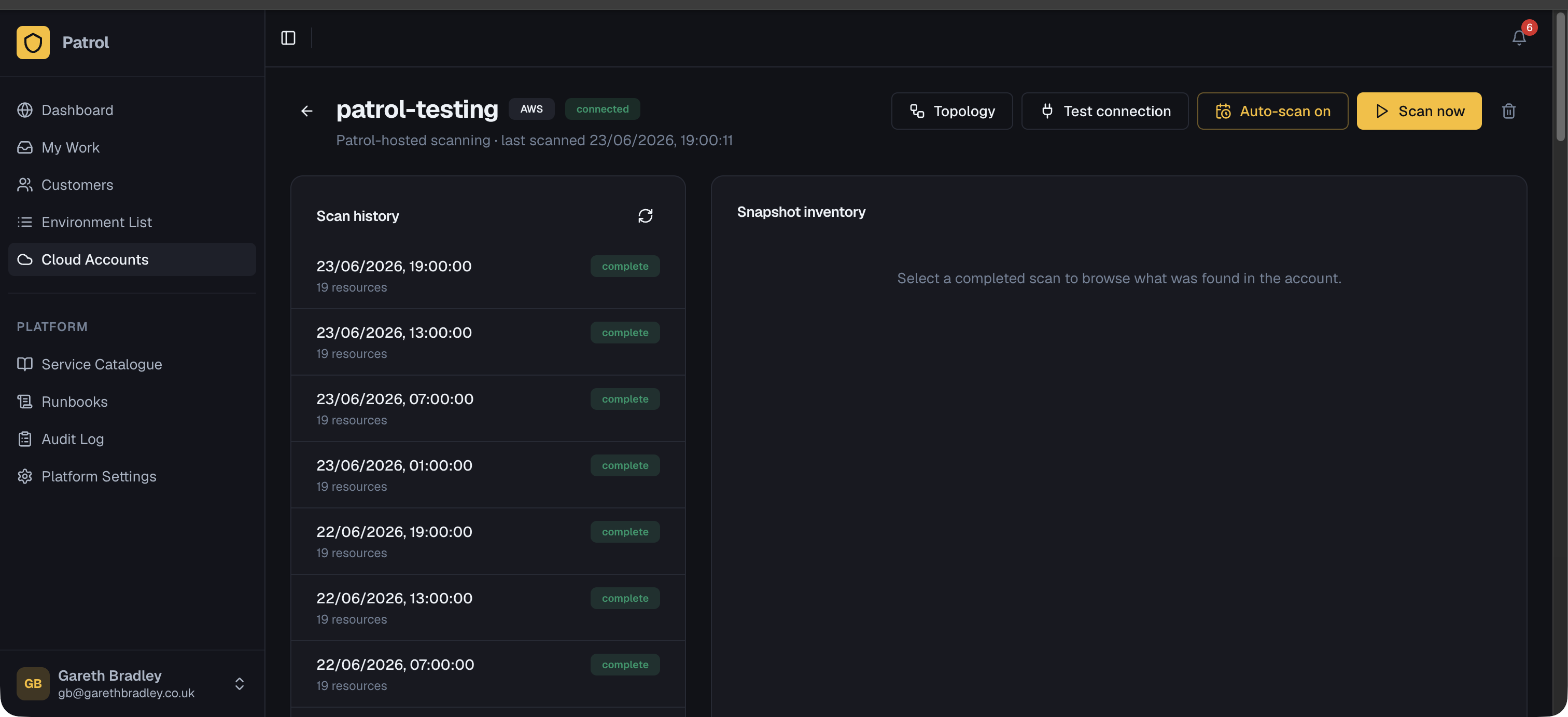
Section titled “1. Adopt a baseline”After your first scan, open the snapshot and click Accept as baseline. This becomes the reference point Patrol compares future scans against.
2. Change sets vs. unexplained drift
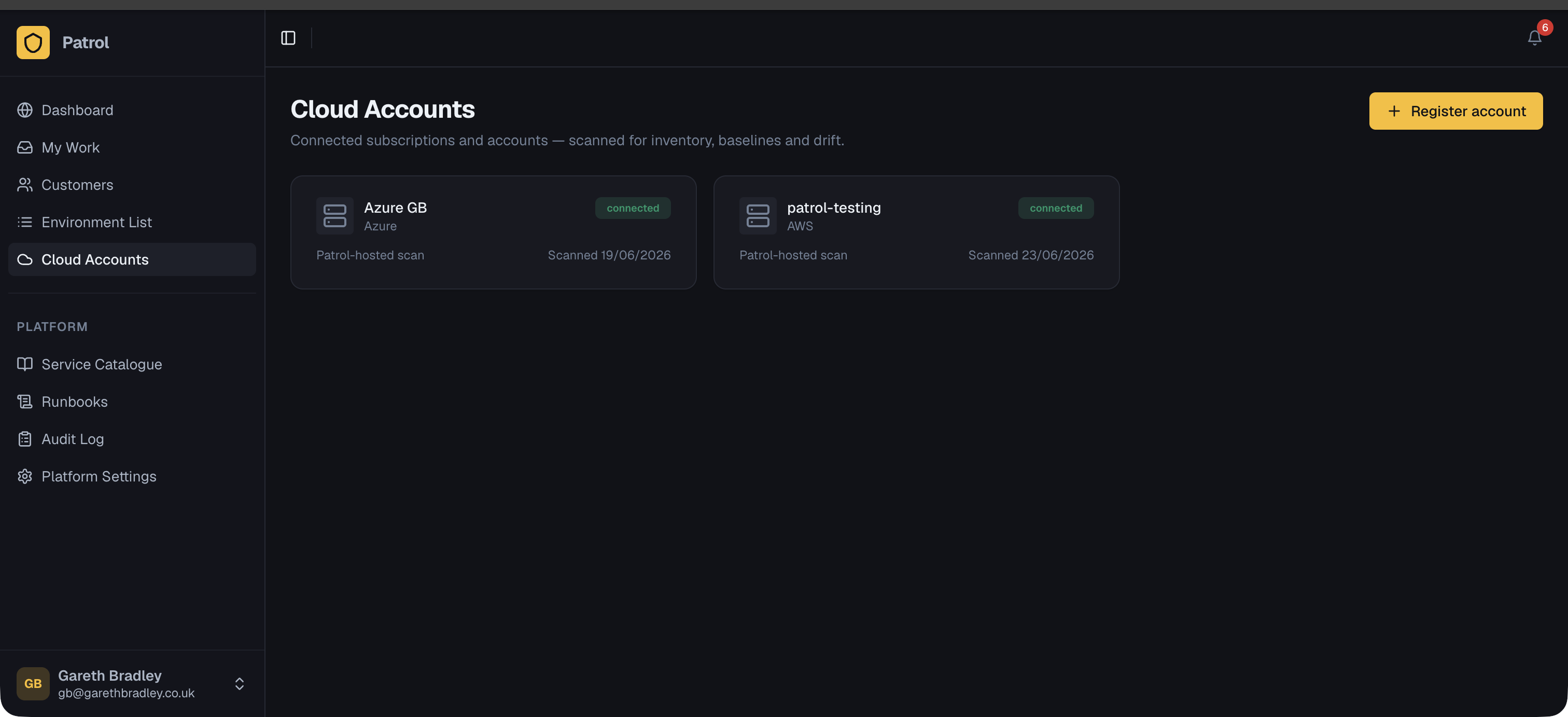
Section titled “2. Change sets vs. unexplained drift”Every subsequent scan is diffed against the active baseline:
- Changes that correlate with a Patrol-triggered deployment are presented as a change set for review, linked to that deployment run.
- Changes from scheduled scans with no linked deployment are flagged as unexplained drift — something changed in the account that Patrol didn’t do.
3. Reviewing a change set
Section titled “3. Reviewing a change set”Open a change set to see added / removed / modified resources grouped by category, with severity badges and a path-level before/after diff.
- Accept the change set to advance the baseline — it becomes the new normal.
- Reject if the change shouldn’t have happened and needs investigation/remediation.
The end result
Section titled “The end result”This gives you a continuously up-to-date picture of each customer’s account — not just what Patrol deployed, but everything in it — and a clear audit trail of what changed, when, and whether it was expected.
See it end to end
Section titled “See it end to end”The aws-ec2-drift-test example in the Patrol repo walks through this exact flow with a single t3.micro instance: deploy via Terraform, adopt a baseline, then change a tag directly in the AWS console and watch the next scan flag it as drift.